

A plain-language guide for labs beginning — or rethinking — their digital pathology journey
There's a version of digital pathology that looks simple: scan your slides, store the images, have your pathologists review them on a screen. Done.
In practice, it's rarely that clean. Labs that have tried to implement digital pathology workflows know that making all of the pieces work together reliably — at scale, securely, and in compliance with applicable regulations — is a significant undertaking. The technology exists and it works, but only when the right components are in place and properly connected.
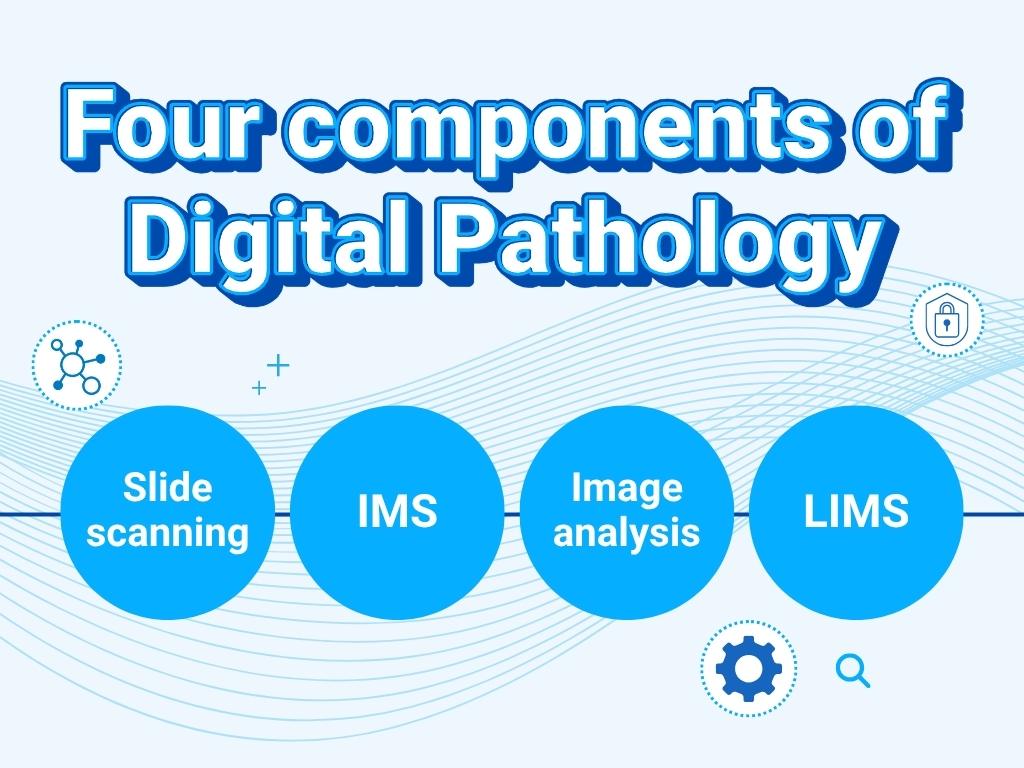
This article breaks down the four core components of a complete digital pathology solution: slide scanning, image management, image analysis, and laboratory information management. More importantly, it explains how they relate to each other — because understanding those relationships is what separates a functional digital pathology stack from a collection of expensive tools that don't quite add up.
Why "just get a scanner" isn't enough
Most labs begin their digital pathology journey with a whole slide scanner. That's a reasonable starting point — digitizing glass slides is the prerequisite for everything else. But a scanner alone doesn't give you a digital workflow. It gives you digital files.
Getting value from those files requires a surrounding infrastructure: somewhere to store them, a way for users to access and view them, tools to analyze them, and systems to connect image data to the case and study information that gives it context. Without that infrastructure, digital slides sit on a hard drive, and the efficiency gains of going digital largely fail to materialize.
This is why the most common pattern in digital pathology looks something like this: a lab purchases a scanner, generates images, struggles to manage them at any meaningful scale, patches together workarounds, and eventually goes looking for the enterprise software and infrastructure they should have planned for from the start. It's not a failure of vision — it's a sequencing problem, and it's very common.
Understanding the full stack before you start (or before you scale) helps you avoid that costly detour.
The four components of a digital pathology stack
1. Slide scanning
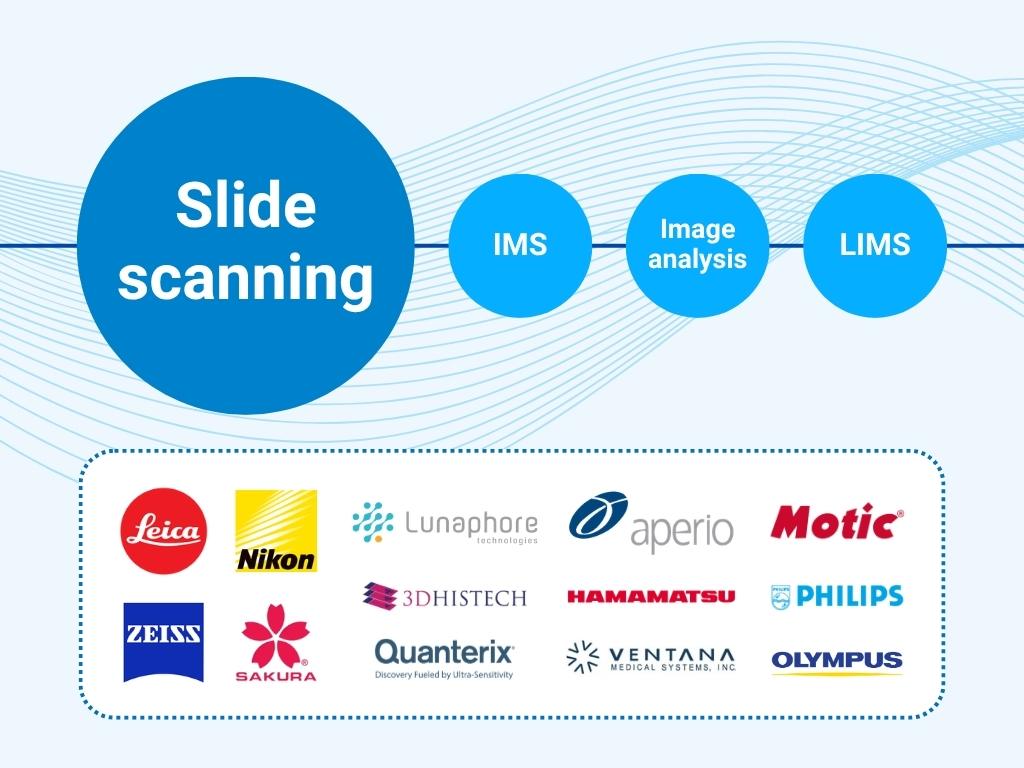
Slide scanning is where the physical becomes digital. A whole slide scanner captures a glass slide — H&E, IHC, or IF stained tissue, cytology preparation, or other specimen — and produces a high-resolution digital image that can be stored, shared, and analyzed without ever touching the original slide again.
Selecting a scanner involves tradeoffs across several dimensions: scanning speed and throughput, supported imaging modalities (brightfield H&E and IHC are standard; fluorescence, confocal, and others serve more specialized needs), image quality, slide capacity, and cost. For labs running high slide volumes — particularly in toxicologic pathology — throughput and capacity are often the primary constraints. For spatial biology and immunofluorescence workflows, imaging speed and multiplexing limitations become critical.
A few important things to keep in mind at this stage:
- Your needs will change. A scanner that meets today's volume requirements may not keep pace with growing needs and workflows. Many labs eventually operate multiple scanners — often from different vendors — to handle different imaging technologies, modalities or throughput levels.
- Scanner choice affects your IMS options (unless you plan ahead). Many scanners produce proprietary image formats, and not every IMS supports every format. If you select a scanner before your IMS, you may inadvertently constrain your future options. Selecting an IMS with broad scanner compatibility — or open format support — reduces this risk significantly.
- New scanning technologies are continuously emerging. The market is evolving quickly, and best-in-breed imaging solutions today will be superseded. Designing your stack around scanner-agnostic infrastructure protects you from being locked into a single vendor's technology trajectory.
2. Image management system (IMS)
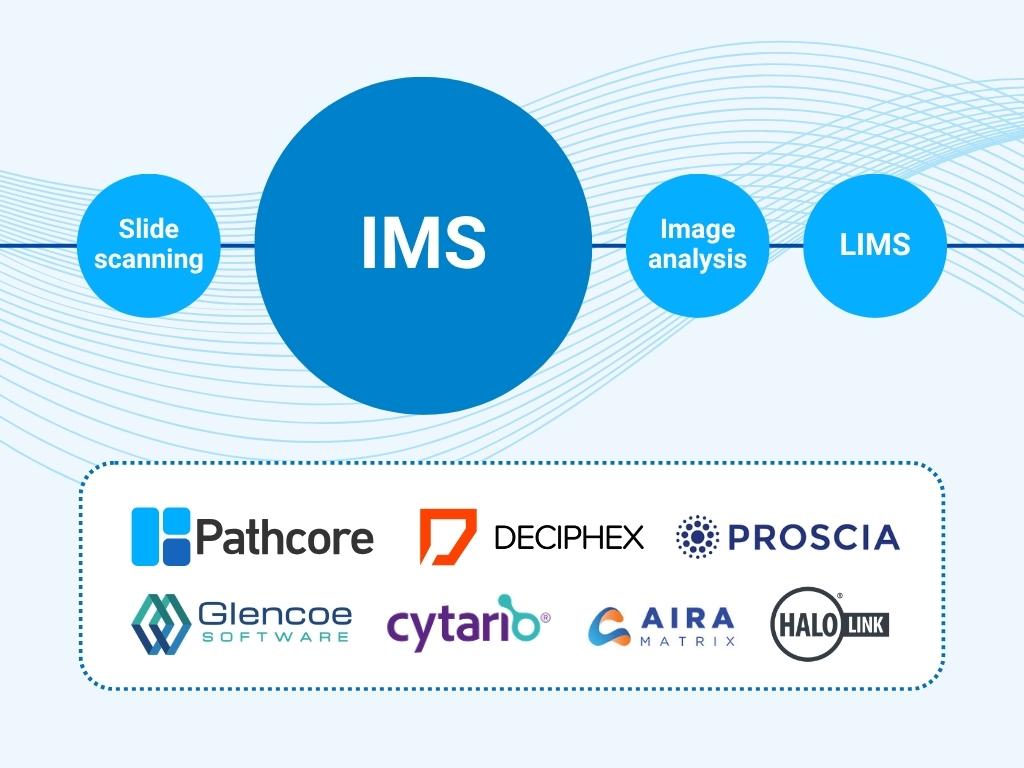
Once slides are scanned, the images need to go somewhere — and that "somewhere" needs to do a great deal more than simply store files.
An image management system (IMS) is the platform that handles storage, organization, access, and the user-facing tools that allow pathologists, scientists, and lab technicians to interact with digital slides. It is the operational center of a digital pathology workflow: the system that users log into, navigate, and spend their working hours inside.
The IMS also serves as the integration hub for the rest of the stack. It ingests images from scanners, connects to LIMS platforms to pull in study and case metadata, routes images to analysis tools, and returns results — all within a single managed environment.
This integration role is what makes the IMS the most consequential component in the stack. A weak IMS doesn't just create friction in image management; it creates friction everywhere, because everything else depends on it. Conversely, a strong IMS makes every other component more effective: analysis tools produce more actionable results when they're connected to well-organized, accessible image data; LIMS integrations reduce manual data entry and errors; scanner investments are protected because the IMS supports a wide range of devices and formats.
What an enterprise IMS provides:
- Scalable cloud storage and streaming — designed for the size and access patterns of whole slide images, which can range from hundreds of megabytes to hundreds of gigabytes per file
- Browser-based image viewing — no software installation required, accessible from any device with appropriate permissions
- Study and case organization — structured metadata, search, filtering, and navigation tools designed for pathology workflows
- Annotation and collaboration tools — markup, commenting, and sharing features that support multi-user and multi-site review
- Access controls — role-based permissions and SSO integration for optimum security without the friction
- Audit trails — data logging necessary for regulated environments such as GLP and GCP
- Native and open integrations — both open APIs and existing validated connectors for scanners, analysis platforms, and LIMS
The difference between an enterprise IMS and the alternatives — file sharing platforms and the basic software bundled with scanners — is not incremental. It's categorical. File sharing platforms are not designed for streaming large images or managing pathology workflows. Scanner-bundled software is an accessory to a hardware product, not a specialized enterprise platform. Both are starting points, not solutions.
For a deeper look at IMS options across the maturity spectrum, see: File Sharing vs. IMS-Lite vs. Enterprise IMS: What's Right for Your Lab?
Exploring IMS solutions right now? Check out our IMS Evaluation Checklist
3. Image analysis
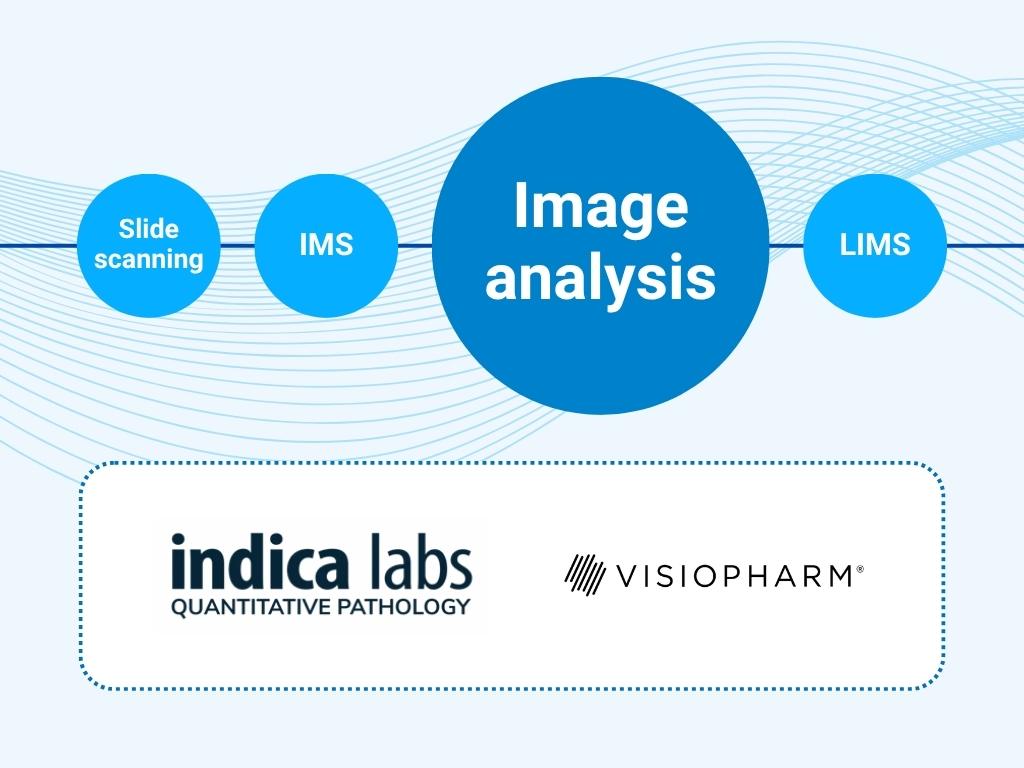
Automated image analysis is one of the most compelling reasons to go digital in the first place. Once slides exist as digital files, software can do things a microscope and a human eye cannot: count cells across an entire slide in seconds, quantify staining intensity with pixel-level precision, flag regions of interest for pathologist review, and train AI models on annotated datasets to recognize patterns at scale.
The image analysis landscape has expanded rapidly, driven in large part by advances in machine learning and AI. Labs today can choose from pathology analysis platforms, AI-powered detection tools, open-source frameworks, and tools embedded within scanning platforms. The right choice depends on the specific assay types, staining methods, and quantification needs in your workflow.
A few practical considerations:
- Analysis tools work best when tightly integrated with the IMS. When your IMS and analysis platform are connected, images can be routed for analysis automatically, results can be stored alongside the original images, and pathologists can review AI outputs in the same viewer they use for manual review. When they're not connected, this requires manual file transfer, duplicate storage, and error-prone handoffs.
- Your analysis needs will evolve. New AI tools and capabilities are emerging continuously. Designing your stack around an IMS with open integration APIs gives you the flexibility to adopt new analysis tools without disrupting your existing workflow infrastructure.
- Annotations in the IMS feed analysis model training. For labs building or fine-tuning AI models, pathologist annotations made during routine review can become training data — but only if your IMS supports exporting annotations, in formats compatible with your analysis platform, and can import and overlay analysis results easily. This is an increasingly important capability as AI-assisted pathology becomes more routine.
4. Laboratory information management system (LIMS/LIS)
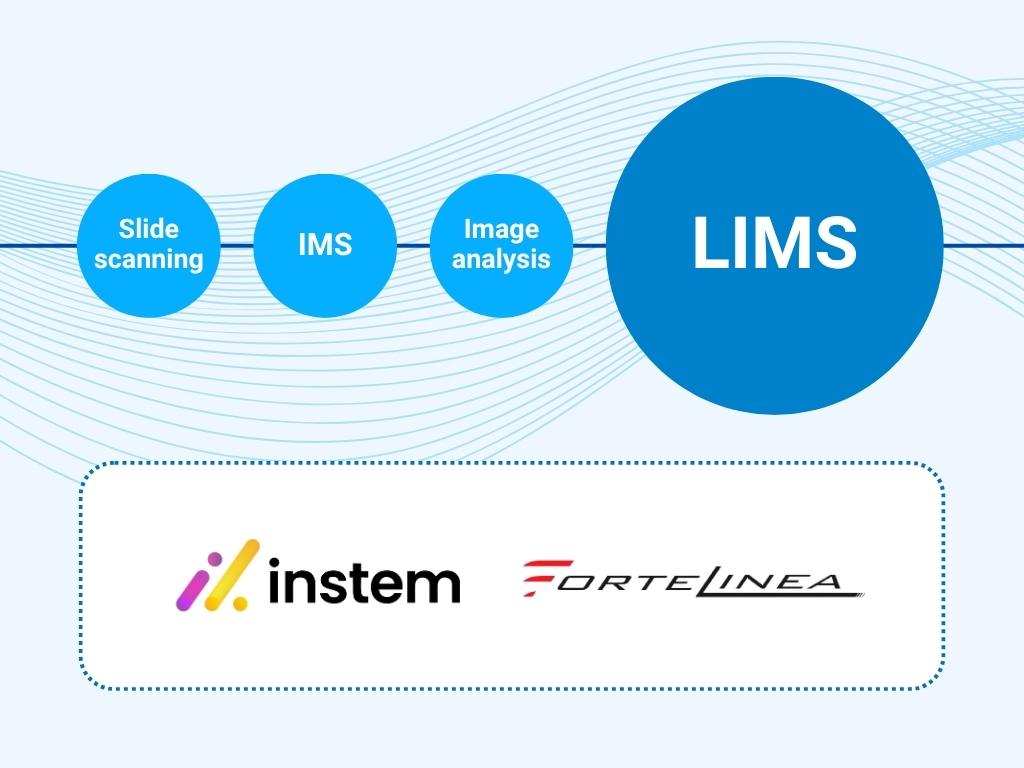
Laboratory information management systems have been a fixture of pathology labs long before digital imaging entered the picture. They are the systems of record for study design, sample tracking, case metadata, and results — the administrative and scientific backbone of the laboratory.
In a fully integrated digital pathology stack, the LIMS and IMS work in close coordination. When a study is initiated in the LIMS, that metadata — animal IDs, tissue types, staining protocols, study identifiers — should flow automatically into the IMS, so that when scanned images arrive, they're already contextualized and organized. Pathologists reviewing images in the IMS can see the relevant study metadata without switching systems. And when review is complete, results and annotations can flow back to the LIMS for reporting and archival.
Without LIMS integration, this metadata has to be entered manually — a time-consuming, error-prone process that becomes increasingly burdensome as slide volumes grow. For labs operating under GLP or GCP, manual data transfer also introduces compliance risk: audit trails that span both systems are difficult to reconstruct, and data integrity requirements are harder to meet.
LIMS integration is therefore not a nice-to-have for high-volume or regulated workflows. It is a core requirement, and evaluating whether a given IMS supports your specific LIMS platform should be an early step in any IMS selection process.
How the components interact: a workflow example
To make this concrete, here's how the four components work together in a typical preclinical toxicology study:
- A study is initiated in the LIMS, where animal groups, dose levels, tissue collections, and staining protocols are defined. Study metadata is transmitted to the IMS.
- Glass slides are prepared, stained, and loaded into whole slide scanners. The scanner produces digital WSI files, which are automatically ingested by the IMS and organized into the correct study structure, matched to the metadata already in place.
- Pathologists log into the IMS from their workstations — or remotely — and begin primary reads. Study slides are presented in a structured, navigable viewer. Annotations, grades, and findings are recorded directly in the IMS alongside the images, and transmitted to the LIMS.
- Selected images are routed to an image analysis platform for automated quantification of specific tissue features. Results are returned to the IMS and displayed alongside the original images for pathologist review and adjudication.
- Completed findings flow back to the LIMS for integration into the final study report. The full audit trail — who accessed what, when, and what actions were taken — is maintained within the IMS for regulatory documentation.
At every step, the IMS is the system that makes the handoffs possible. Remove it, or replace it with something underpowered, and each of those connections has to be managed manually. Your IMS choice defines your digital pathology strategy.
The most common stack mistakes
Starting with a scanner, not a strategy. Scanners are often procured departmentally, without IT or informatics involvement. This leads to format compatibility issues, storage problems, and IMS selections that have to work around existing scanner choices rather than the other way around.
Treating file sharing as a temporary solution. File sharing platforms are not a bridge to an enterprise workflow — they're a detour. Labs that build habits and processes around Dropbox or SharePoint often find the migration to an enterprise IMS harder, not easier, because those habits have to change too.
Selecting an IMS based on the scanner vendor's recommendation. Scanner vendors naturally recommend IMS solutions that are validated with their hardware. That's a reasonable starting point for compatibility assurance, but it's not a substitute for evaluating whether the IMS is the right fit for your broader workflow requirements.
Underestimating LIMS integration complexity. LIMS integration is often treated as a future project, to be addressed after the IMS is up and running. In regulated environments especially, this sequencing creates compliance gaps that are difficult and expensive to close retroactively.
Building a digital pathology stack that grows with you
The goal of a digital pathology tech stack isn't just to digitize what you're doing today. It's to create an infrastructure that can accommodate what you'll be doing in three or five years — higher slide volumes, new imaging modalities, new analysis tools, new regulatory requirements, and new collaboration workflows you haven't yet anticipated.
That kind of durability comes from one thing more than any other: an IMS with open, well-documented integrations and a vendor committed to expanding them. A strong IMS is what lets you swap or add scanners without rebuilding your workflow. It's what lets you adopt a new AI analysis tool without restructuring your data. It's what insulates your organization from the proprietary decisions of any single hardware or software vendor.
The stack matters. The IMS is where the stack starts.
Ready to see how PathcoreFlow connects your digital pathology stack?
Book a demo →
Download the IMS Evaluation Checklist →
This article is part of Pathcore's digital pathology resource hub. For related reading, see:
- Everything to Know About an Image Management System (IMS)
- File Sharing vs. IMS-Lite vs. Enterprise IMS: What's Right for Your Lab?
- Why Your IMS Choice Defines Your Digital Pathology Strategy